
In today’s digital world, having a professional website is essential for any business. Whether you’re running a local service, an online shop, or a personal brand, your website acts as the foundation of your online presence. One of the most popular and powerful platforms for building websites is WordPress, used by millions of businesses worldwide.
In this blog, we’ll explore why WordPress is such a powerful platform, how to build a WordPress website, and how real-world businesses like Greyform use websites to promote their services online.
Why Choose WordPress for Your Website?
WordPress has grown from a simple blogging platform into a full-featured content management system (CMS)that can power almost any type of website. In fact, WordPress powers around 43% of all websites on the internet, making it the most widely used CMS globally. (WPBeginner)
Here are a few reasons why businesses choose WordPress:
- Flexibility and Customisation
WordPress allows developers to build anything from simple business websites to complex e-commerce platforms. With thousands of themes and plugins available, you can easily extend functionality and customise the design to match your brand. (Bluehost)
- User-Friendly Interface
One of WordPress’s biggest strengths is its ease of use. Even beginners can update pages, publish blog posts, and manage content without needing coding skills. (namecheap.com)
- SEO-Friendly Structure
WordPress websites are built with search engine optimisation (SEO) in mind. With plugins like Yoast SEO or RankMath, you can optimise your content, improve rankings, and drive more traffic to your site.
- Scalability
Whether you’re launching a small website or managing a high-traffic platform, WordPress can scale with your business as it grows.
Steps to Building a WordPress Website
Creating a WordPress website typically follows these key steps:
- Choose a Domain and Hosting
Your domain name is your website address (for example, yourbusiness.com), while hosting stores the files that make your site accessible online.
- Install WordPress
Most hosting providers offer one-click WordPress installations, making setup quick and easy.
- Select a Theme
A theme controls the design and layout of your website. There are thousands of free and premium themes available that can suit different industries and styles.
- Install Essential Plugins
Plugins extend WordPress functionality. Some common ones include:
- SEO plugins for search optimisation
- Security plugins to protect your site
- Caching plugins to improve speed
- Page builders for easier design
- Create Your Content
The most important part of any website is the content. Focus on clear messaging, useful information, and strong calls to action.
Real Business Example: Greyform
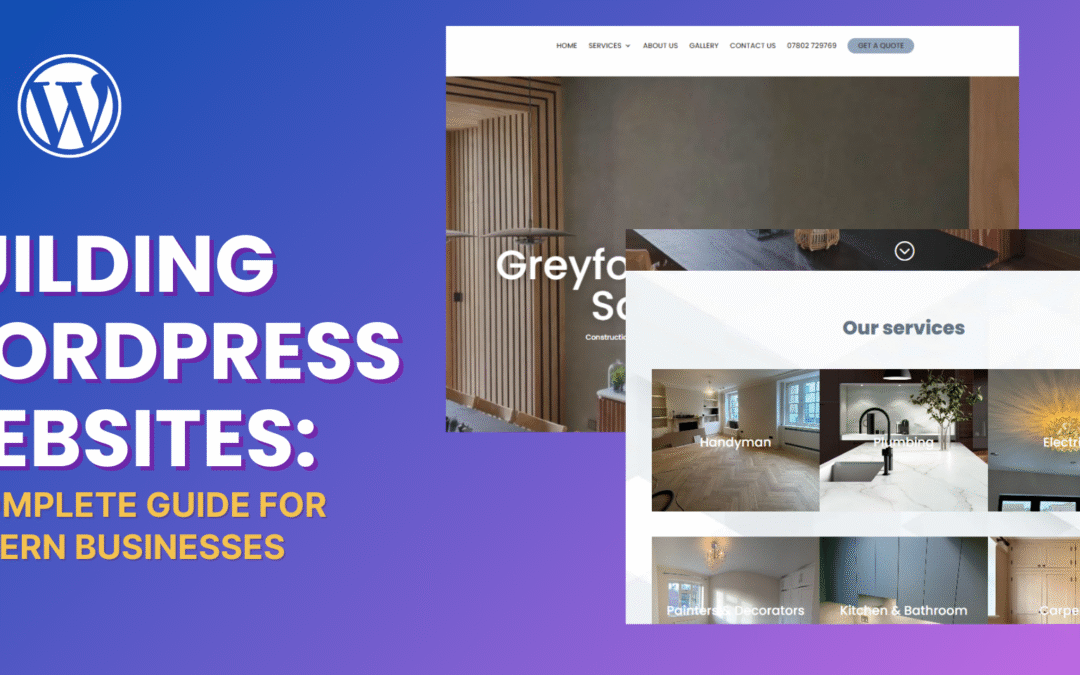
A great example of a business using a website to promote its services is Greyform. The company provides construction, renovation, and property maintenance services across West London, helping homeowners and landlords with a range of building and handyman solutions. (greyform.co.uk)
Their website highlights:
- The services they offer
- Their service locations
- Contact information for potential customers
This type of website structure is common for service-based businesses and can easily be built and managed using WordPress.
Best Practices for WordPress Website Development
When building a professional WordPress website, it’s important to follow best practices:
- Focus on Performance
Fast-loading websites improve user experience and help SEO rankings. - Use Mobile-Responsive Design
More users browse the internet on mobile devices, so responsive design is essential. - Keep Plugins Updated
Regular updates help keep your website secure and stable. - Optimise for SEO
Use keywords, structured headings, and internal links to improve visibility in search engines.
Final Thoughts
WordPress remains one of the best platforms for building modern websites due to its flexibility, scalability, and ease of use. Whether you’re launching a startup, promoting a local service, or building an online brand, WordPress provides the tools needed to create a professional online presence.
Businesses like Greyform demonstrate how an effective website can showcase services, build credibility, and generate new leads online.
If you’re considering building a website for your business, WordPress is a powerful platform that can grow with your needs and help you succeed online.
Recent Comments